
FaceScan
Explore your face shape, symmetry, and facial proportions on your Android device.
Explore FaceScanWhat can a camera tell us? Use KinetiqVision apps to analyze face shape, count objects, or extract text from photos. Explore real-world examples, from reading receipts to tracking moving objects.
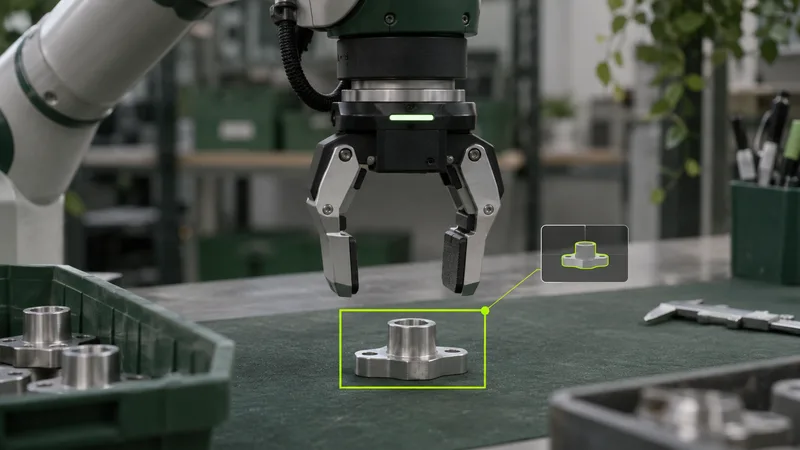
These examples span shop floors, farms, and everyday paperwork.
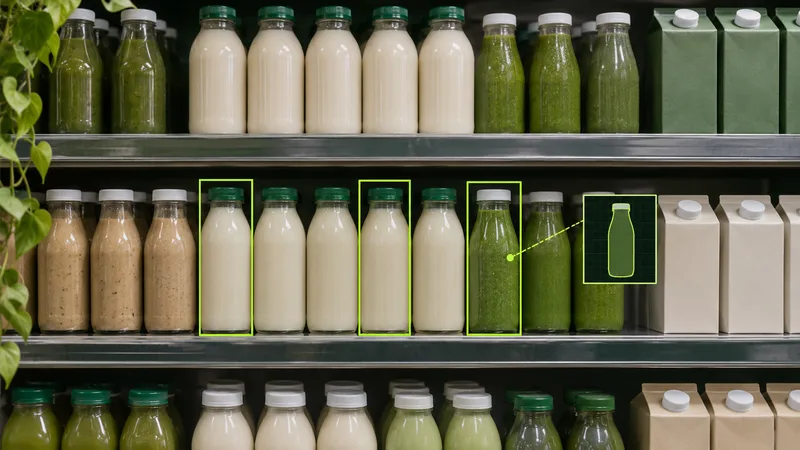
Count visible items on shelves and compare the results with recorded stock levels.
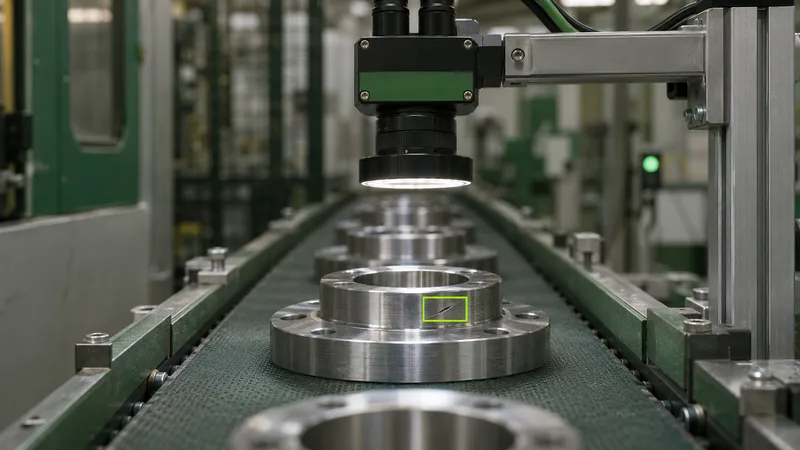
Inspect products on an assembly line for surface defects, missing components, or misplaced labels.
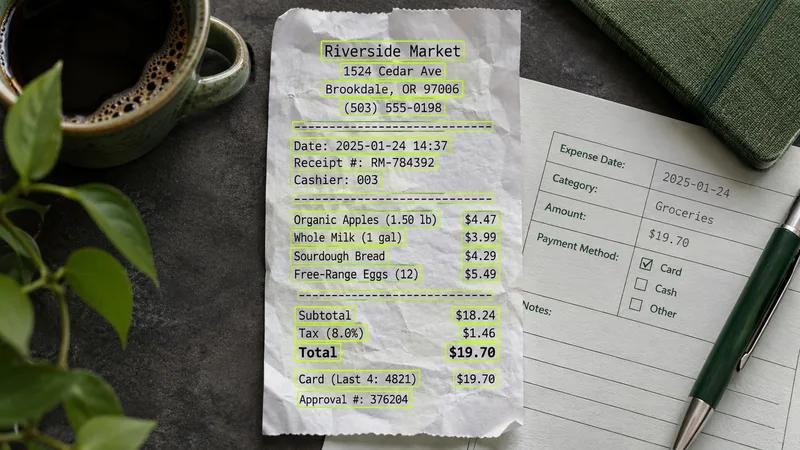
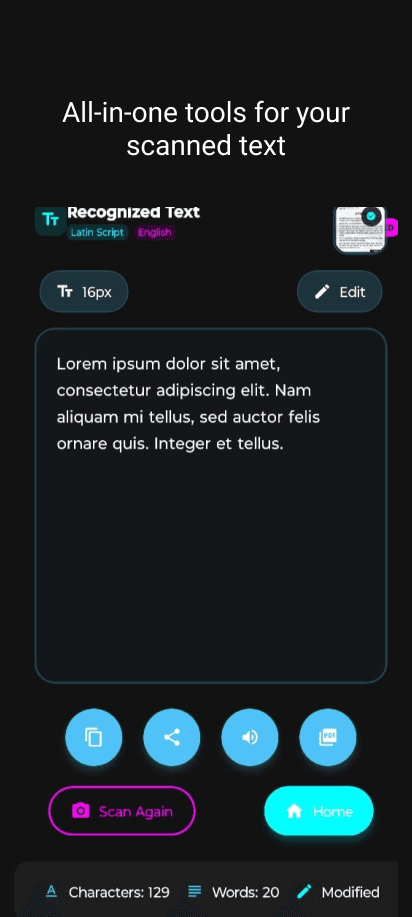
Extract text from printed forms and receipts so it can be searched and copied.

Analyze field images to estimate plant coverage and flag areas with visible crop damage.
Locate objects and estimate their positions so a robot can pick them up or navigate around them.
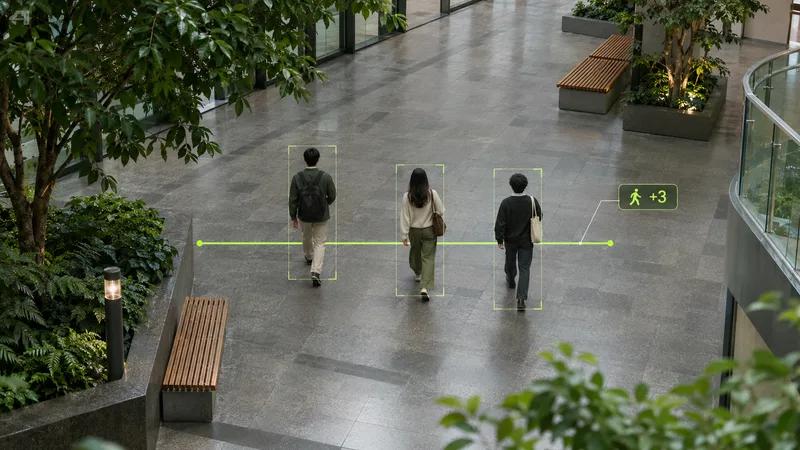
Track objects across frames and count how many cross a marked line.
Explore our Android apps for face analysis, object counting, text extraction, and photo editing.
Explore your face shape, symmetry, and facial proportions on your Android device.
Explore FaceScan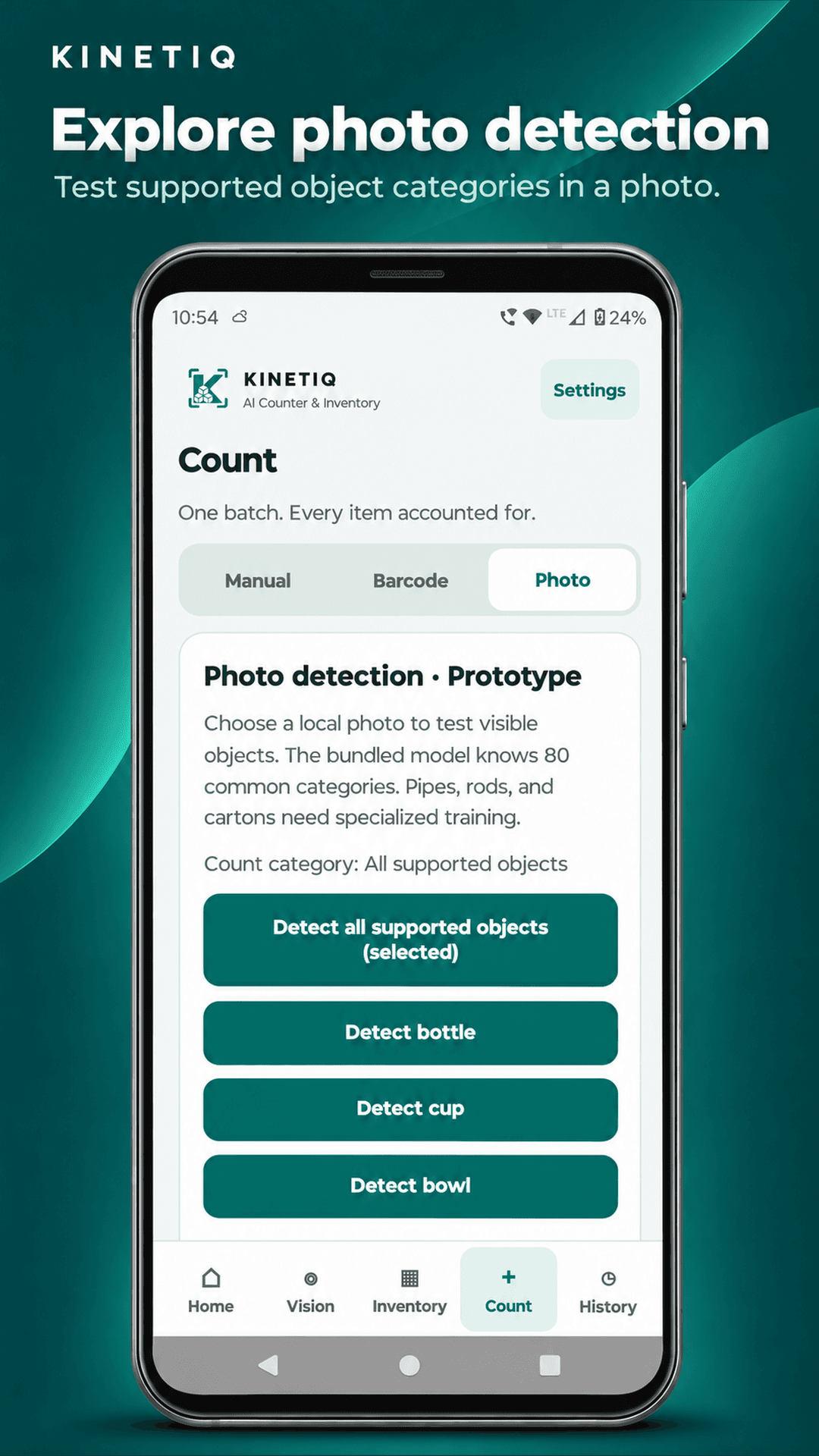
Count visible objects in supported categories and review the result before saving it.
Explore the counter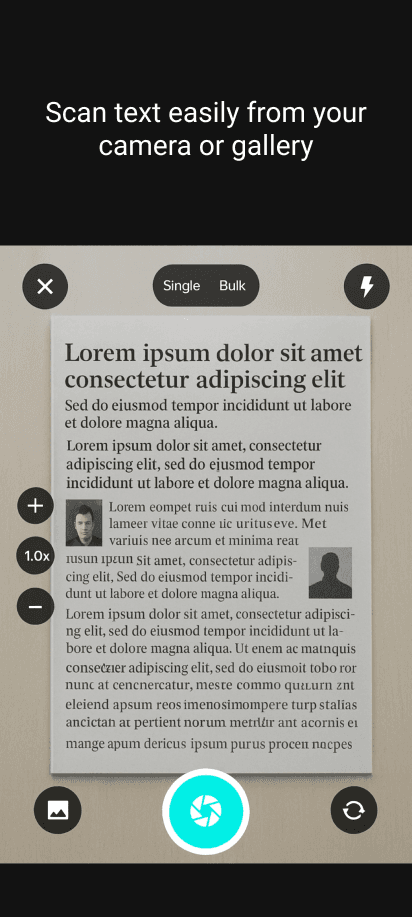
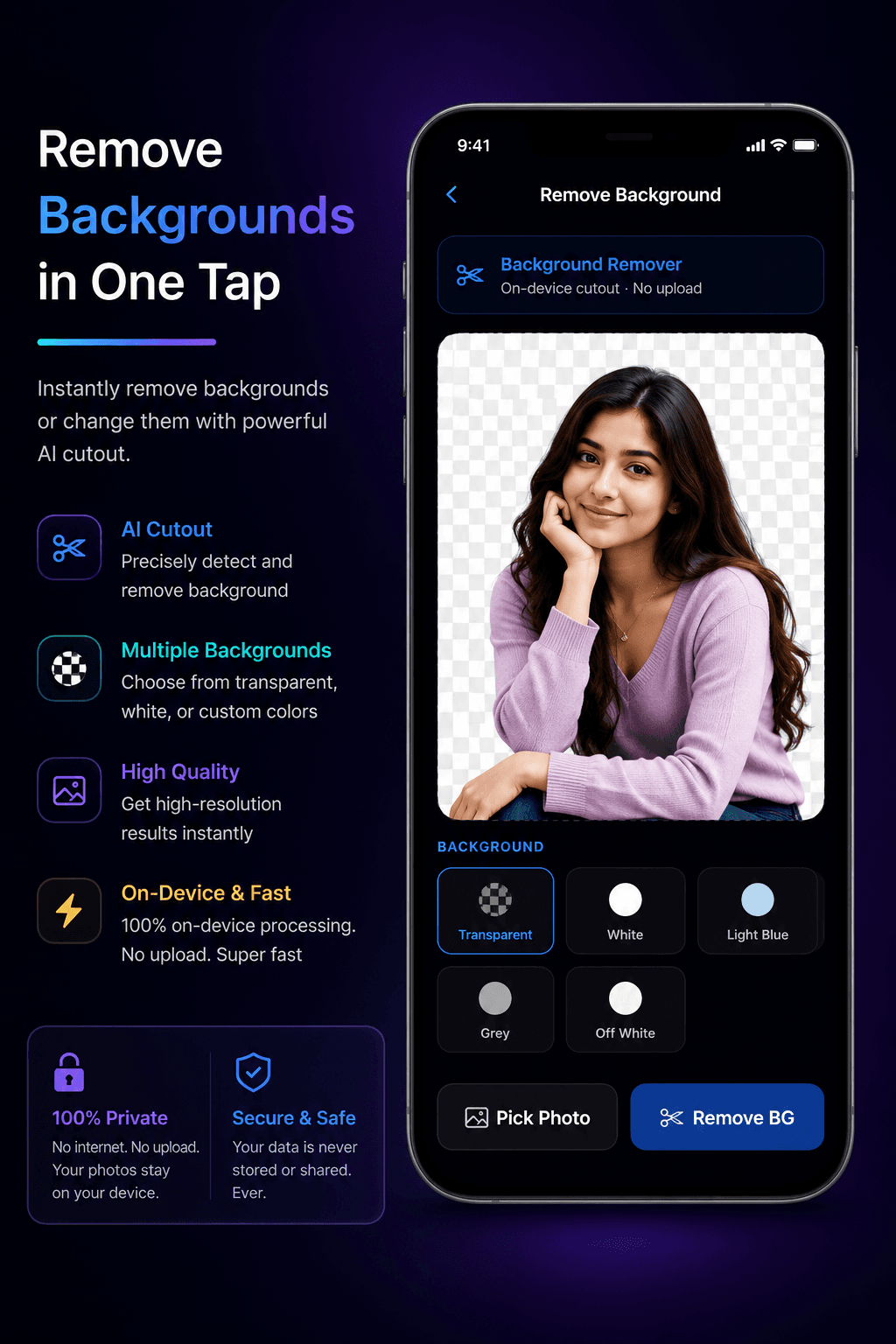
Remove the background and keep the subject as a transparent cutout.
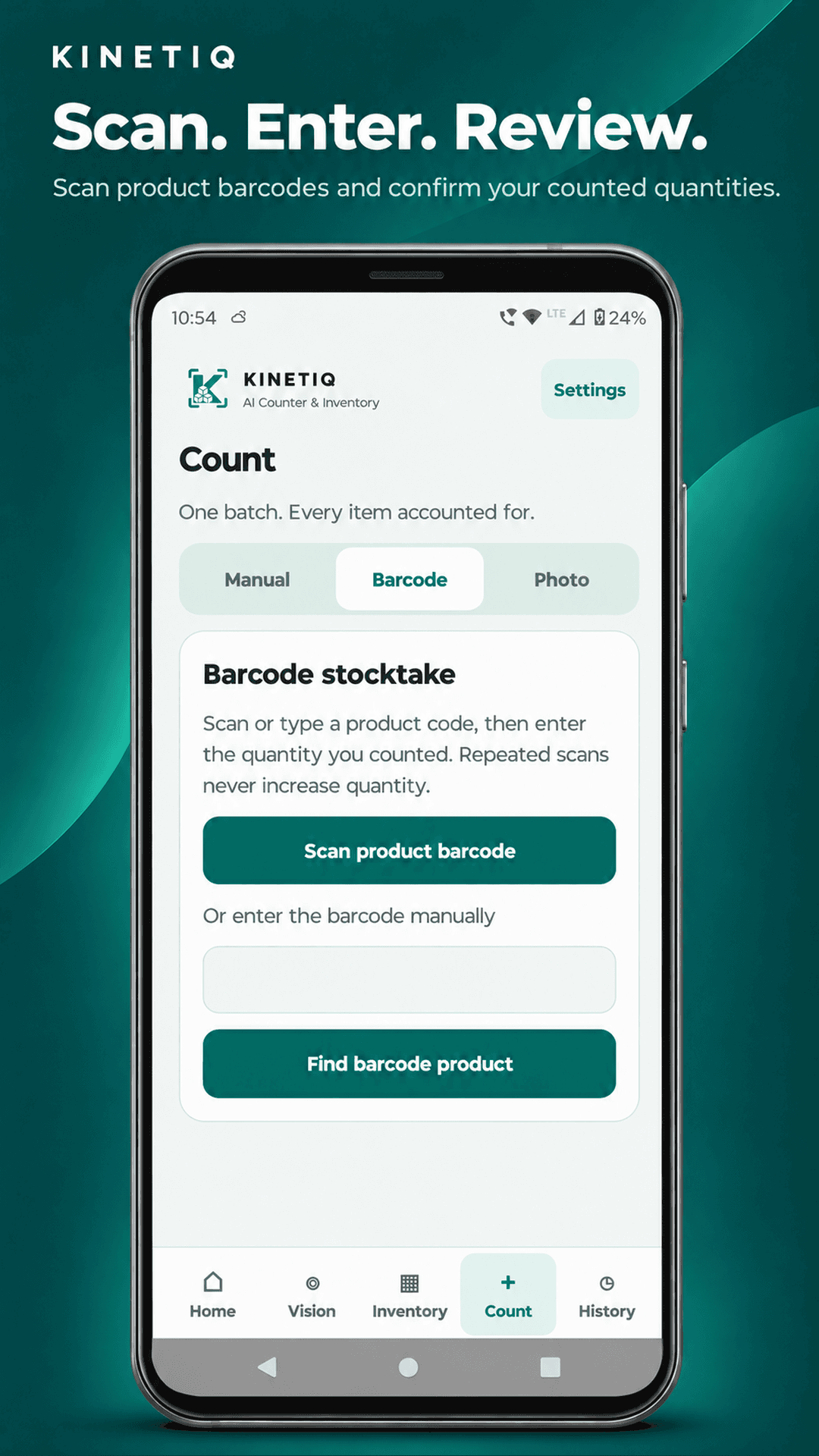
Explore SplashAIHere’s how a barcode stocktake works in Kinetiq Counter.
Find the matching product in your local catalogue.
Type the total you physically counted.
Save a count record or confirm the new stock balance.
Vision AI processes photos and documents locally, and Kinetiq Counter stores inventory records on your device.
Counter privacy policyExplore how cameras form images, how models detect objects, and how to run those models on a device.